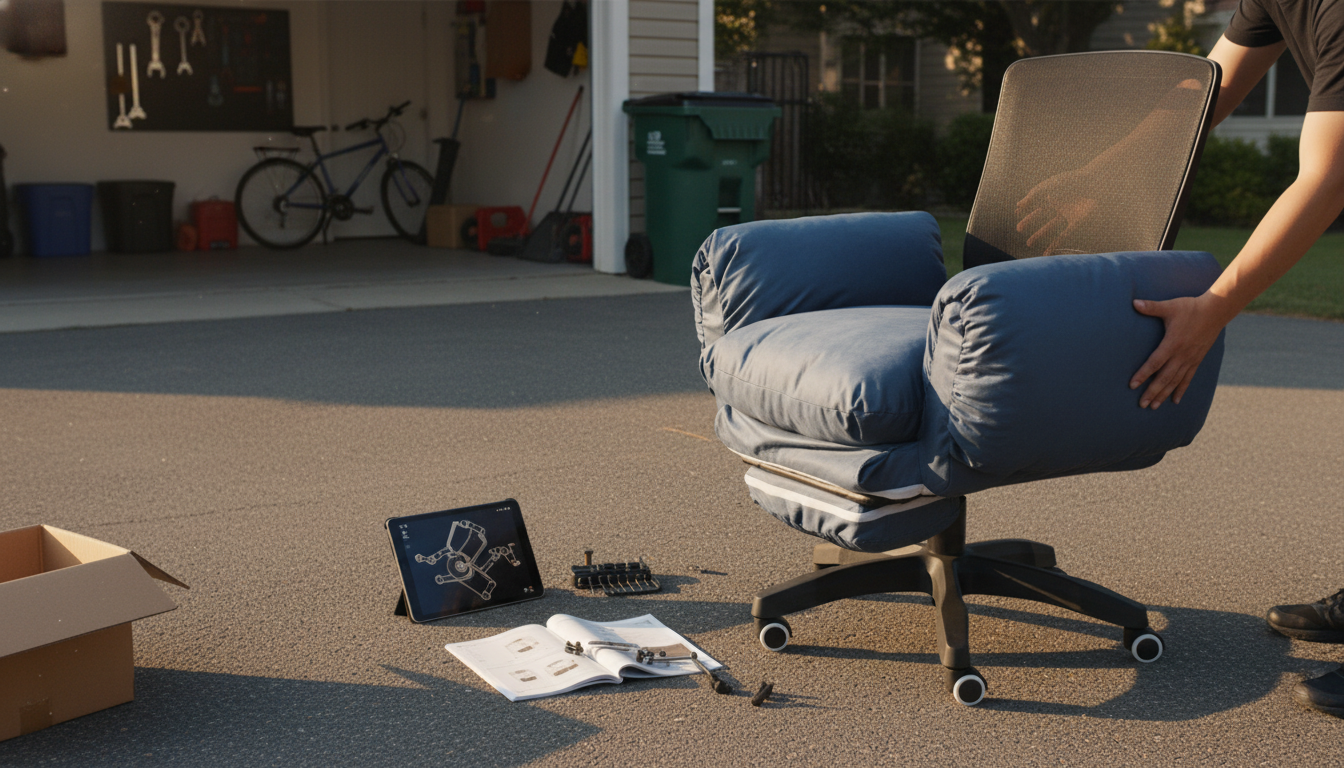
“4D adjustable armrests” means the chair’s armrests can be adjusted in four directions so your forearms can stay supported while your shoulders remain relaxed. Instead of being locked into one height and angle, 4D armrests let you fine-tune the arm position to match your desk height, keyboard placement, and preferred posture.
While exact designs vary by chair model, “4D” most commonly refers to these adjustment paths:
Armrests aren’t just a comfort feature—they help reduce load on your neck and upper back by supporting your arms. When armrests are too low, you may hunch forward. Too high, and shoulders tend to creep upward. With 4D adjustments, it’s easier to keep elbows supported while maintaining a neutral, relaxed shoulder position. It also helps prevent awkward wrist angles by letting you bring the arm pads into a position that supports your forearms close to your input devices.
Start with height: set the armrests so your elbows rest lightly with shoulders down. Next, slide the pads forward/back so your forearms are supported without pushing your elbows ahead of your body. Adjust width so your arms aren’t flaring out. Finally, rotate the pads until your wrists feel straight while typing or mousing.
For a deeper walkthrough of adjustable armrest features and how they pair with a full-back ergonomic chair setup, see the guide here: https://alazare.com/guide-full-back-ergonomic-swivel-chair-adjustable-armrests/.
Often, yes—4D armrests typically add a pivot/angle adjustment beyond standard 3D controls, making it easier to align the arm pads with your forearms during different tasks.





Leave a comment