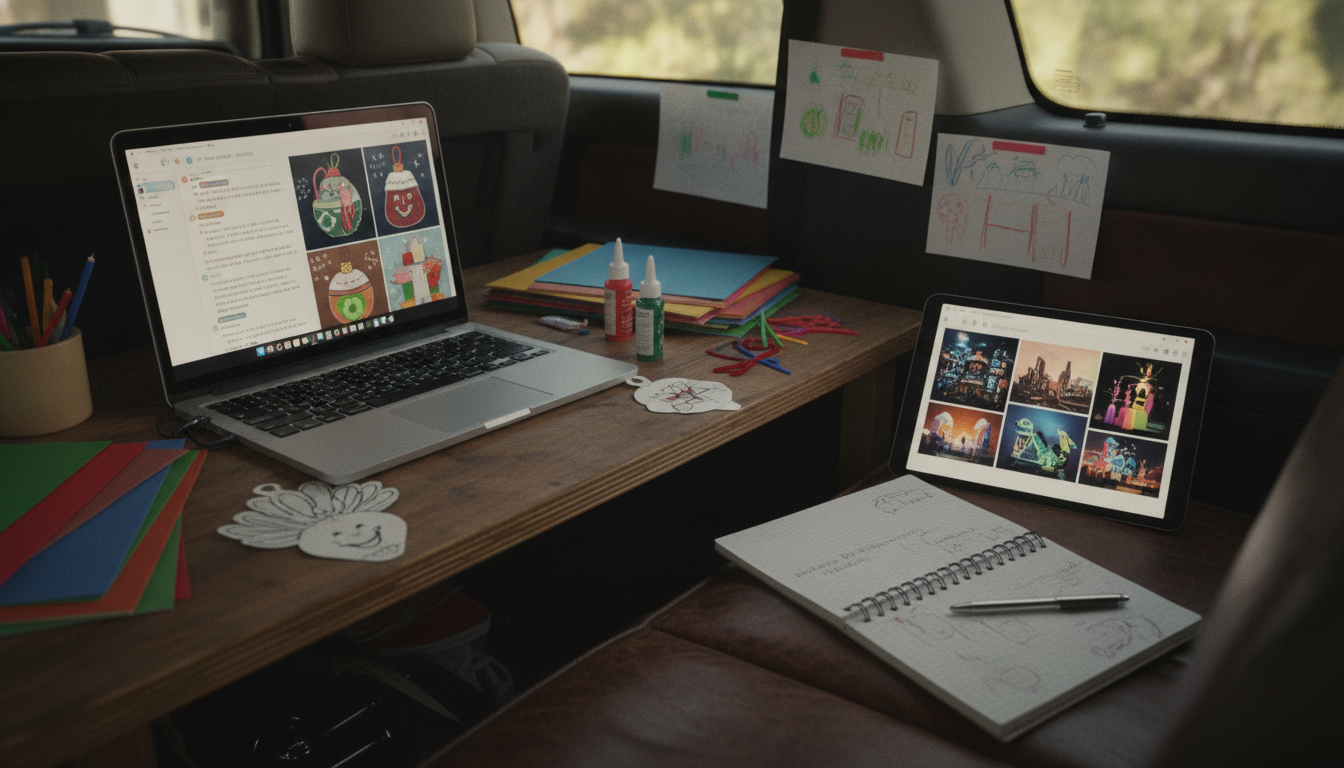
The best AI for creative ideas depends on what you’re making and how you like to work. For quick brainstorming and flexible back-and-forth, a conversational AI tool is usually the most helpful because it can generate lots of options, remix them, and refine a concept in real time. If you want images, patterns, or visual mood boards, an image-generating AI is a better fit because it turns themes and descriptions into visuals you can build from.
Choose a chat-based AI when you need many options quickly—names, themes, story starters, craft variations, party activities, or step-by-step suggestions. It’s especially useful when you already have constraints (age group, materials on hand, time limit) and want ideas that fit them.
Pick an image AI if you’re stuck on colors, shapes, layouts, or overall style. This is great for turning a holiday theme into a few different looks (cute, rustic, modern, classroom-friendly) so you can decide what to make before buying supplies.
When you’re planning activities for children, prioritize tools that can simplify directions, suggest safety-friendly materials, and adapt projects by age. A good approach is to use chat AI to generate the craft options and instructions, then use an image AI to visualize what the finished crafts could look like.
Start with one clear constraint (like “15-minute craft using paper plates”) and ask for 10 ideas. Then pick one idea and request three variations: an easier version, a mess-free version, and a “wow factor” version. That keeps the creative energy high while making the output usable.
If you’re looking for a ready-to-use, kid-focused set of ideas, check out this guide: AI Thanksgiving Crafts for Kids (Printable Checklist).
Pick a theme, list your time limit and available supplies, then ask for a schedule with 2–3 crafts plus a quick cleanup plan. Follow up by requesting age-specific adjustments and a simple materials checklist.




Leave a comment