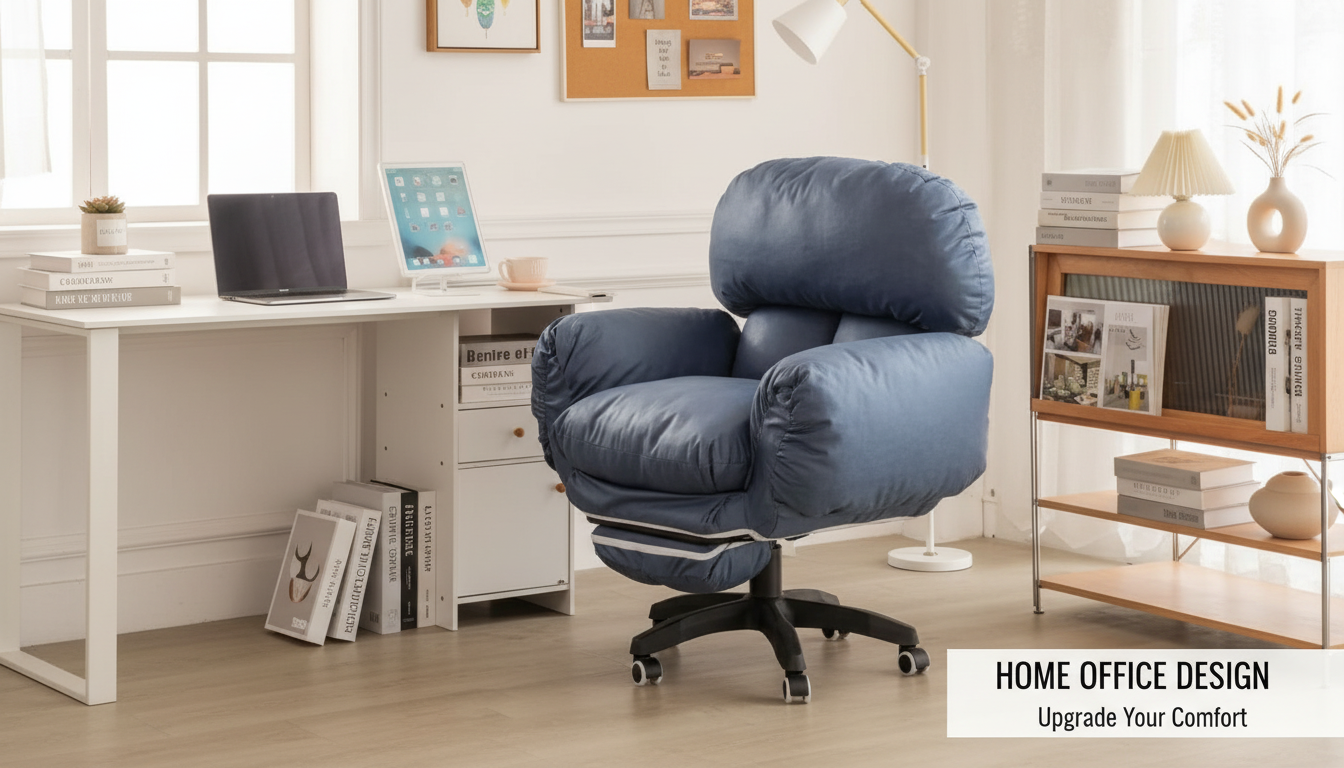
Adjustable armrests are designed to support your forearms and shoulders so your upper body can stay relaxed while you work. When armrests are set correctly, they reduce strain in the neck, shoulders, and upper back by preventing your arms from “hanging” and pulling your shoulders forward or upward. They also help you keep a steadier posture at the desk by encouraging your elbows to stay close to your sides.
The best armrests don’t force one fixed position. Different tasks—typing, mousing, writing, taking calls—change how your arms move. Adjustable armrests let you match the chair to your body and your desk setup instead of compensating with awkward shoulder positions.
Armrests that adjust in height help you keep your elbows near a comfortable angle (often close to 90 degrees), which reduces shoulder tension. If they’re too high, they can elevate your shoulders; too low, and your arms lose support. The “sweet spot” is when your forearms feel lightly supported without pushing your shoulders up.
Width and pivot adjustments (when available) matter just as much. Armrests that can move closer together support narrower frames; armrests that slide outward accommodate broader shoulders. Pivoting or angled pads help align your forearms whether you’re typing straight ahead or reaching for a mouse.
Desk height, keyboard tray use, and even the thickness of your desktop change where your arms naturally rest. Adjustable armrests help bridge those differences, keeping your wrists more neutral and reducing the urge to lean on the desk edge. That can be especially helpful during long sessions at a computer, where small stresses add up over time.
Start by lowering your shoulders and sitting back in the chair. Raise the armrests until they just meet your forearms, then fine-tune so you can type without your shoulders lifting. If your armrests bump the desk and prevent you from sitting close enough, lower them or slide them back (or consider using them only for breaks).
For a deeper breakdown of armrest types and setup guidance, visit the main article on adjustable armrests on an ergonomic chair.
Ideally, armrests shouldn’t force contact with the desk if it keeps you from pulling in close. Set them to lightly support your forearms while still allowing you to sit near the keyboard with relaxed shoulders.




Leave a comment