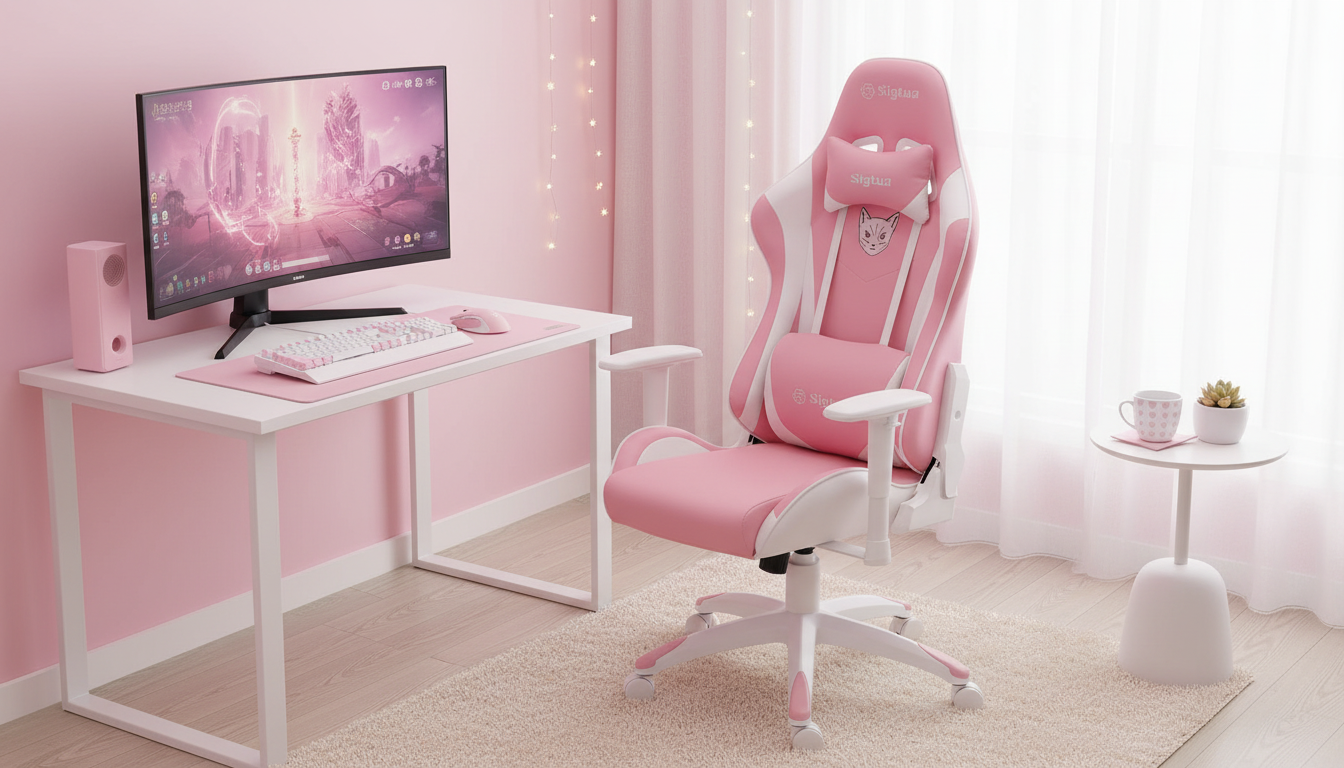
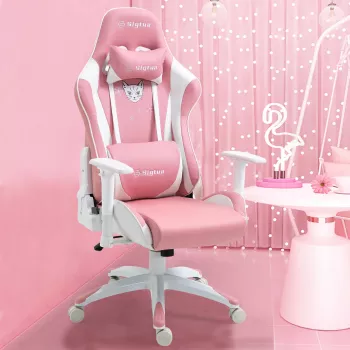
A supportive chair can make long gaming sessions and workdays feel noticeably better—especially when arm position, back support, and seat height can be tuned to fit the body and desk setup. This pink ergonomic gaming and office chair pairs a high backrest with adjustable armrests to promote a more comfortable posture for everyday use. For anyone building a setup that’s equal parts performance and personality, the Pink Ergonomic Gaming & Office Chair with Adjustable Armrests and High Backrest brings standout style while focusing on the basics that matter most when sitting for hours.
Comfort in a chair usually comes down to consistent support and easy-to-reach adjustments—so the chair works with your body instead of forcing you into one position. This design emphasizes the key contact points that tend to fatigue first during long sessions.
For broader workstation guidance, authoritative resources like OSHA’s Computer Workstations eTool and the Mayo Clinic office ergonomics guide outline common alignment tweaks that can make a noticeable difference quickly.
Small adjustments can dramatically change how a chair feels after hour two or three. A good approach is to start with seat height, then armrests, then back contact—finishing with desk distance and monitor alignment.
| Adjustment | Goal | Quick Setup Tip |
|---|---|---|
| Seat height | Comfortable leg angle and stable hips | Feet flat on the floor; knees roughly 90–110° |
| Armrests | Relaxed shoulders and neutral wrists | Raise/lower until forearms rest without shrugging |
| Back contact | Reduce slouching over time | Sit back so the upper back stays supported |
| Desk distance | Avoid reaching and wrist extension | Keep elbows close to the torso while mousing/typing |
One of the easiest ways to get more comfort is to “match” the chair settings to the activity. The best posture is usually the one you can maintain without strain—so aim for support that feels effortless rather than rigid.
If screen time is a big part of the day, pairing your seating setup with eye-comfort tools can help some users feel less taxed late at night. The Anti-Blue Light Gaming Glasses are a simple add-on for monitor-heavy routines, especially when combined with balanced room lighting and reduced glare.
For additional background on how posture and workstation design relate to musculoskeletal comfort, the NIOSH ergonomics overview is a helpful reference.
For a cohesive look that also prioritizes daily comfort, the Pink Ergonomic Gaming & Office Chair with Adjustable Armrests and High Backrest is an easy anchor piece—then refine the rest of the setup around it.
Aim for relaxed shoulders and elbows near a right angle; forearms should rest without pushing wrists up or forcing shoulders to shrug. Fine-tune until hands reach the keyboard/mouse or controller without reaching forward or flaring elbows outward.
A high backrest can provide more upper-back support and encourage fuller contact with the chair, which may help reduce slouching. Fit and correct adjustment usually matter more than backrest height alone.
Start with monitor height (near eye level), keep the keyboard and mouse close enough to avoid reaching, ensure feet are supported, and set chair height so hips and knees feel comfortable. Small alignment changes often improve comfort quickly.



Leave a comment